
AI Resume Builder: How AI Writes ATS-Ready Resumes That Get Interviews
Most resumes are read by software before a human ever sees them, and a generic document rarely makes the cut. An AI resume builder is an online tool that uses artificial intelligence, usually a large language model such as OpenAI’s GPT, to write, format, and tailor a resume so it passes automated screening and speaks directly to the job at hand.
This guide covers what an AI resume writer actually does, how the process works step by step, which features matter most, whether a free AI resume builder is real or a bait-and-switch, and whether using one is safe and honest.
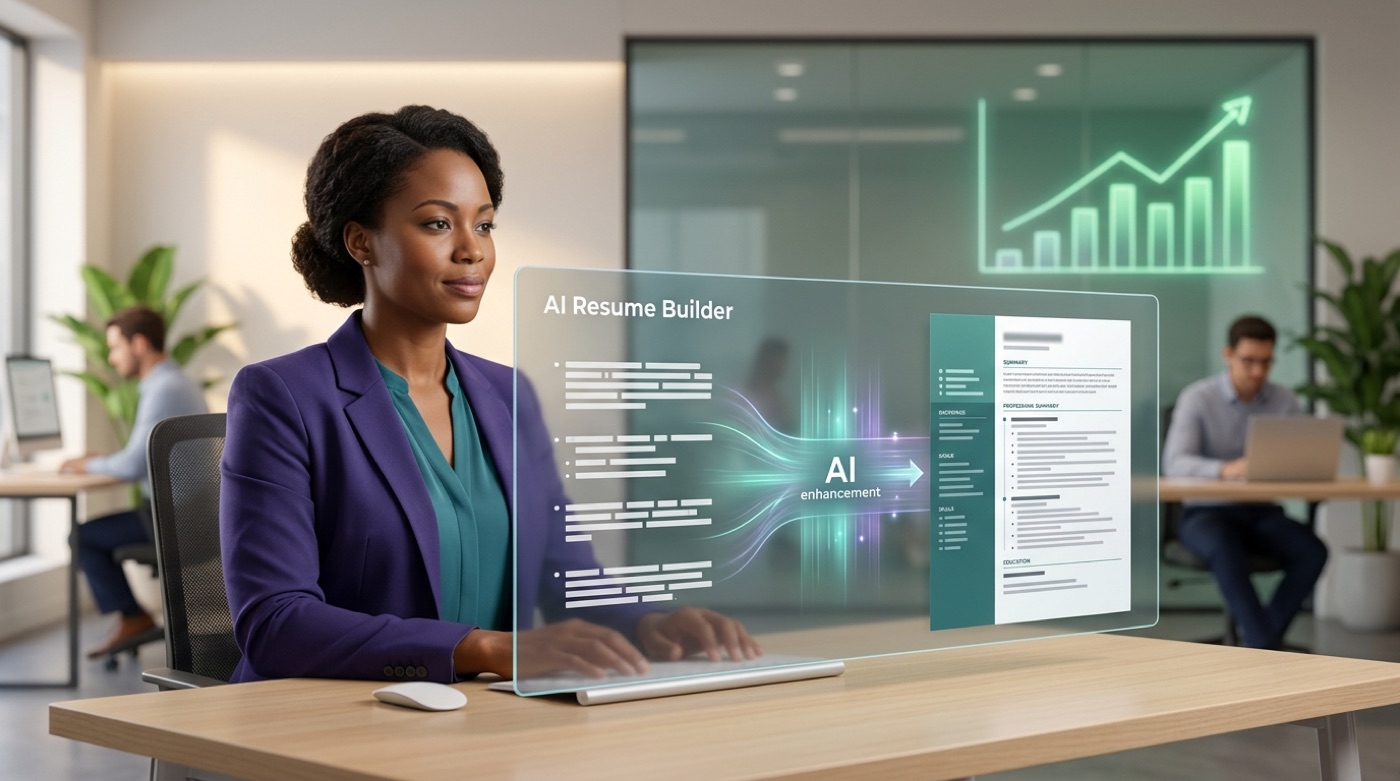
What is an AI resume builder?
A résumé is simply a summary of a person’s work history, education, and skills, prepared for a job application. An AI resume builder automates writing that document: instead of staring at a blank page, you get a tool that drafts the wording, checks the formatting, and measures how well the result matches a target job.
An AI resume builder vs a plain resume template
A traditional resume template only handles layout — fonts, spacing, section order. An AI resume builder adds a language-model layer on top of that layout: it writes content, analyzes job descriptions, and scores the finished document. It’s worth naming the tech honestly, since it shapes what the tool can and can’t do. Kickresume runs on a fine-tuned GPT-4.1 model, Canva’s Magic Write draws on OpenAI, and Enhancv describes its writer as “ChatGPT-powered.” In every case the AI resume generator is a wrapper around a general-purpose model, tuned for resume conventions.
What it can and can’t do
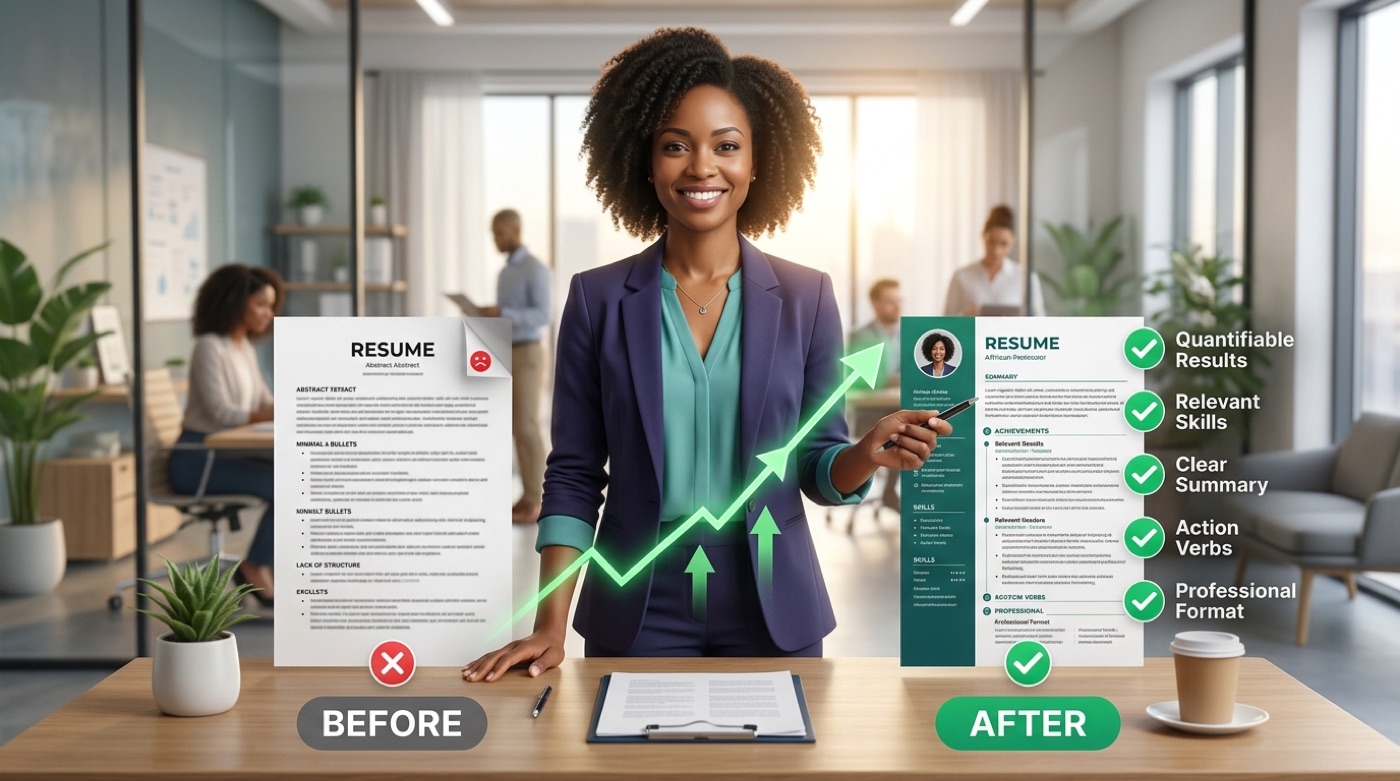
An AI resume maker can draft a professional summary, turn duties into bullet points, match keywords from a posting, and auto-format for machine readability. What it can’t do is invent real experience on your behalf — every achievement, title, and metric still has to be true. In short:
- Can draft a professional summary and bullet points from your raw work history
- Can extract and match keywords from a specific job description
- Can auto-format a layout for ATS parsing
- Can’t fabricate experience, titles, or results you don’t actually have
- Can’t guarantee an interview — it optimizes the document, not the hiring decision
The safest way to use one is as an assistant that speeds up the writing, not an author that replaces your judgment.

How an AI resume builder works (step by step)
Most tools follow the same basic sequence, whether the interface calls it a “wizard,” a “builder,” or a “generator.” Below is the typical flow from first upload to finished download.
- Import or start from scratch. Upload an existing resume as PDF or Word, import a LinkedIn profile, or start blank with guided sections for experience, skills, and education. Most builders support all three entry points.
- Paste the job description. The AI parses the posting to pull out the exact keywords, required skills, and phrasing the employer used. This is where tailoring begins.
- Generate and refine content. The AI writes a professional summary and rewrites duties into metric-driven bullet points, then flags missing keywords and skill gaps. You keep, edit, or discard each suggestion — Rezi, for example, can produce a resume and a matching cover letter in about five minutes.
- Score, format, and download. The tool auto-formats the layout for ATS parsing and returns a resume score. Export as PDF, which is the most universally ATS-safe format, or as DOCX. Some tools only offer free downloads in plain TXT and charge for PDF or Word.
That last step is where the free AI resume builder promise most often breaks down, which the pricing section below covers in detail.
Key features that matter in an AI-powered resume builder
Not every feature carries equal weight. A widely cited eye-tracking study puts a recruiter’s first read at roughly six to seven seconds, and more than 75% of companies now screen resumes through an Applicant Tracking System — with a growing share of those systems adding AI on top — before that first human glance. So the features that affect machine parsing and job-match matter more than cosmetic polish.
| Feature | What it does | Why it matters |
|---|---|---|
| ATS optimization | Uses parser-safe layouts, avoids tables/graphics that break scanning | 75%+ of companies screen with an ATS, increasingly AI-assisted |
| Bullet-point rewriting | Turns duties into achievement statements with metrics | Solves blank-page paralysis, adds specificity |
| Job-description tailoring | Extracts keywords from a posting and checks alignment | Recruiters spend ~6-7 seconds per resume |
| Resume / match score | Grades the document, often across 15-23 criteria | Flags weak spots before you apply |
| Cover letter generation | Drafts a matching letter from the same inputs | Saves rewriting the same story twice |
| Template library | ATS-tested templates, PDF/DOCX export | Layout and readability still weigh into recruiter decisions |
ATS optimization
An Applicant Tracking System is software that scans and filters resumes before a human reviewer sees them, and industry data puts ATS adoption above 75% of companies, with a growing share now running AI-powered screening. A good AI resume builder uses clean, parser-safe templates and weaves job-specific keywords into the text naturally, rather than stuffing them in a hidden block.
AI bullet points and professional summary
The AI rewrites vague duties — “responsible for social media” — into achievement-focused bullets with numbers attached, and drafts a professional summary in seconds. This is the single feature most job seekers reach for first, because it solves the blank-page problem directly.
Job-description tailoring and match/resume score
A match score shows how closely a resume aligns with one specific posting before you submit it. Teal checks alignment across 15-plus factors; Rezi and ResumeBuild score across 23 criteria on a 1-100 scale. Given that recruiters spend only six to seven seconds on a first read, a resume that scores poorly on alignment rarely gets a second look.
Cover letters, templates, and export
Most AI-powered resume builders generate a matching cover letter alongside the resume and offer dozens of ATS-friendly templates with PDF/DOCX export. Design still counts, though: recruiter surveys consistently rank job-relevant skills first but still weigh layout and readability, so templates need to look good to a human reader, not just parse cleanly for a machine.
Is there a truly free AI resume builder?
Genuinely free tiers exist. Teal offers unlimited free PDF and Word downloads, and Canva’s resume tools are free to use. Others advertise “free” but gate the actual export: Resume-Now’s free plan only downloads in plain TXT, with PDF and Word locked behind a premium subscription. Paid plans commonly run around $29 a month, or a one-time lifetime fee, frequently backed by a 30-day money-back guarantee.
Free vs paid — where the catch usually hides
| Model | What “free” includes | Typical catch |
|---|---|---|
| Genuinely free (e.g., Teal, Canva) | Full build + unlimited PDF/Word download | Fewer advanced AI credits or premium templates |
| Free-to-build, paid-to-export | Full editing experience | Download locked to TXT until you upgrade |
| Subscription (~$29/mo) | Unlimited AI rewrites, scoring, templates | Recurring charge if you forget to cancel |
| One-time lifetime fee | Full access, no recurring billing | Higher upfront cost, feature set can be frozen |
Always check the download step before investing time in a builder — that’s the point where a “free AI resume builder” claim either holds up or doesn’t.

Is it safe and honest to use an AI resume builder?
Using an AI resume builder is broadly comparable to using spell-check or hiring a professional resume writer — both have been standard practice for years, and AI assistance sits in the same category. What matters to an employer is whether the content is accurate and whether you can actually do the job described. The one hard line: never let the AI fabricate experience, titles, or metrics you don’t have.
Hiring teams are watching the same shift from the other side, as AI-assisted applications become the norm rather than the exception.
The AI arms race does not benefit either side.
Nichol Bradford, executive in residence for AI+HI, SHRM
That tension is exactly why honesty matters more, not less, once AI is in the loop: a resume that’s accurate and well-tailored still reads as credible even when both sides know AI helped write it.
- Review every AI-generated sentence for factual accuracy before you submit it.
- Never accept a bullet point that overstates a title, tenure, or result.
- Check the builder’s privacy policy — a resume holds your name, contact details, and full work history.
- Avoid tools that require unnecessary account permissions or resell user data.
- Watch for job-scam patterns that target job seekers who’ve just uploaded a resume; the FTC’s consumer alerts page tracks current scam tactics.
Will employers reject an AI-written resume?
Employers rarely reject a candidate on AI-assistance alone. What they screen for is accuracy and fit — a well-tailored, AI-assisted resume that’s true to your actual experience is treated the same as one written by hand or by a professional writer.
Protect your data
A resume is sensitive personal data: full name, contact information, and a detailed employment history. Before uploading yours to any AI resume builder, check a few basics:
- Does the site publish a clear privacy policy, and does it say it won’t sell your data?
- Can you delete your account and data on request?
- Does the tool ask for permissions it doesn’t need, like access to your full email inbox?
- Is the “job posting” you’re applying to on a real company’s own careers page, not just a form collecting resumes?
Staying alert to job scams matters here too — scammers sometimes harvest resumes under the guise of a job posting, then reuse the personal details for identity theft or further phishing.
AI resume builder vs ChatGPT
A general chatbot like ChatGPT can draft bullet points and summaries on request, but it can’t parse a specific job posting for keyword matching, auto-format a document for ATS parsing, generate a numeric match score, manage multiple resume versions, or export a formatted file in one click. A dedicated AI resume builder is purpose-built to do all of that around a single document type.
What a purpose-built builder adds over a chatbot
ChatGPT is a general assistant — strong for brainstorming wording, weak on resume-specific structure. A dedicated AI resume builder adds:
- ATS-safe formatting tuned to parser conventions
- Job-specific match scoring against a pasted posting
- Version management across multiple tailored resumes
- A template library built for the resume format
- One-click export to a formatted PDF or DOCX
Plenty of job seekers use both together: ChatGPT to brainstorm phrasing, a builder to assemble and format the final file.

How to get started with an AI resume builder
Getting a usable, tailored resume out of a free AI-powered resume builder takes about the same handful of moves regardless of which tool you pick.
Import what you already have. Upload your current resume or connect your LinkedIn profile so the AI starts from your real history instead of a blank template.
Paste the target job description. This single step is what turns a generic resume into a tailored one — it’s what the keyword-matching and scoring depend on.
Accept or edit the AI-generated summary and bullets. Keep what’s accurate, rewrite what isn’t, and never let a suggestion overstate what you actually did.
Check the resume score and fix what it flags. A low score on a specific posting usually points to missing keywords or formatting the ATS can’t parse.
Export a PDF and apply. Building a fresh, tailored version per application — rather than reusing one generic file — is what actually moves the match score, so treat the AI resume builder as a per-application step, not a one-time task.
Frequently Asked Questions
- What is the best AI resume builder?
The best one has genuine ATS optimization, job-description matching with a numeric score, unlimited downloads with no pay-to-export trap, and cover-letter generation. Fit the choice to your needs and budget rather than to brand hype.
- Is there a truly free AI resume builder?
Yes — some tools are free including PDF and Word downloads, while others are free to build but charge to export. Check the download step before you commit time to any single tool.
- Are AI resume builders ATS-friendly?
Good ones are: they use clean, parser-safe templates and job-specific keywords. Avoid formats with heavy graphics, tables, or text boxes, since those commonly break ATS parsing.
- Is it OK or honest to use an AI resume builder?
Yes, as long as you use it as an assistant and keep every claim truthful. AI should help you present real achievements more clearly — it should never invent experience you don’t have.
- Can employers detect AI-generated resumes, and do they care?
They may suspect AI assistance, but it’s rarely disqualifying on its own. What matters is accuracy and fit, and since most companies already screen with an AI-powered ATS, using AI to optimize your resume levels the playing field.
- AI resume builder or ChatGPT — which should I use?
Use a dedicated builder for ATS-safe formatting, match scoring, and one-click export; use ChatGPT for brainstorming wording. Many job seekers use both together.